BadgerFit / Early beta
One pair.
Let’s work out
the next step.
Meet Shoe Fit Check. Tell it where a shoe feels wrong and get a structured plan of what to try, what to avoid, and when to seek professional help.
Open BadgerFit betaOpens at sign-in. No photo or scan needed for Shoe Fit Check.
A look inside
Start where it
feels wrong.
Try the question preview below. These are examples from the app; the full check asks for more context before offering guidance.
Where does it feel wrong?
What happens at the back?
- It lifts or slips out as I walk
- It rubs or catches at the back
- My whole foot slides forward
Question preview only. Nothing entered here is saved.
01 Tell us about the shoe
02 Describe what you notice
03 Read your next steps
Your result
Useful guidance.
Room for nuance.
Advice follows your answers. It doesn’t assume every dress shoe is narrow or that a different size is always the answer.
What to try first
A practical starting action for the reported problem, when fit adjustments are appropriate.
What to try next
A fallback option when the result includes one, plus relevant things to avoid.
What may explain the fit
Plain-language context and, for some answers, a note that the shoe’s shape may be part of the problem.
When to stop experimenting
Certain reported symptoms lead to a safety message and professional-help guidance instead of fit adjustments.
A product, when relevant
The result may show a relevant product option. A recommendation is not a guarantee it will work for you.
Under the surface
Your experience in.
Structured guidance out.
Your answers about the shoe and how it feels are matched to a defined set of rules.
The reasoning can be reviewed. The guidance is still in beta; clinical validation and real-world outcomes have not been established.
Why we’re building this →Foot Scan is still on the workbench.
Foot Scan is paused while we validate measurement reliability. A release date has not been announced. Shoe Fit Check works without a scan.
Before you start
Straight answers.
What can I use today?
The BadgerFit beta includes Shoe Fit Check for discomfort in a specific pair. The app opens at sign-in; use the shoe-discomfort path after entering the app.
Which shoes are you focusing on?
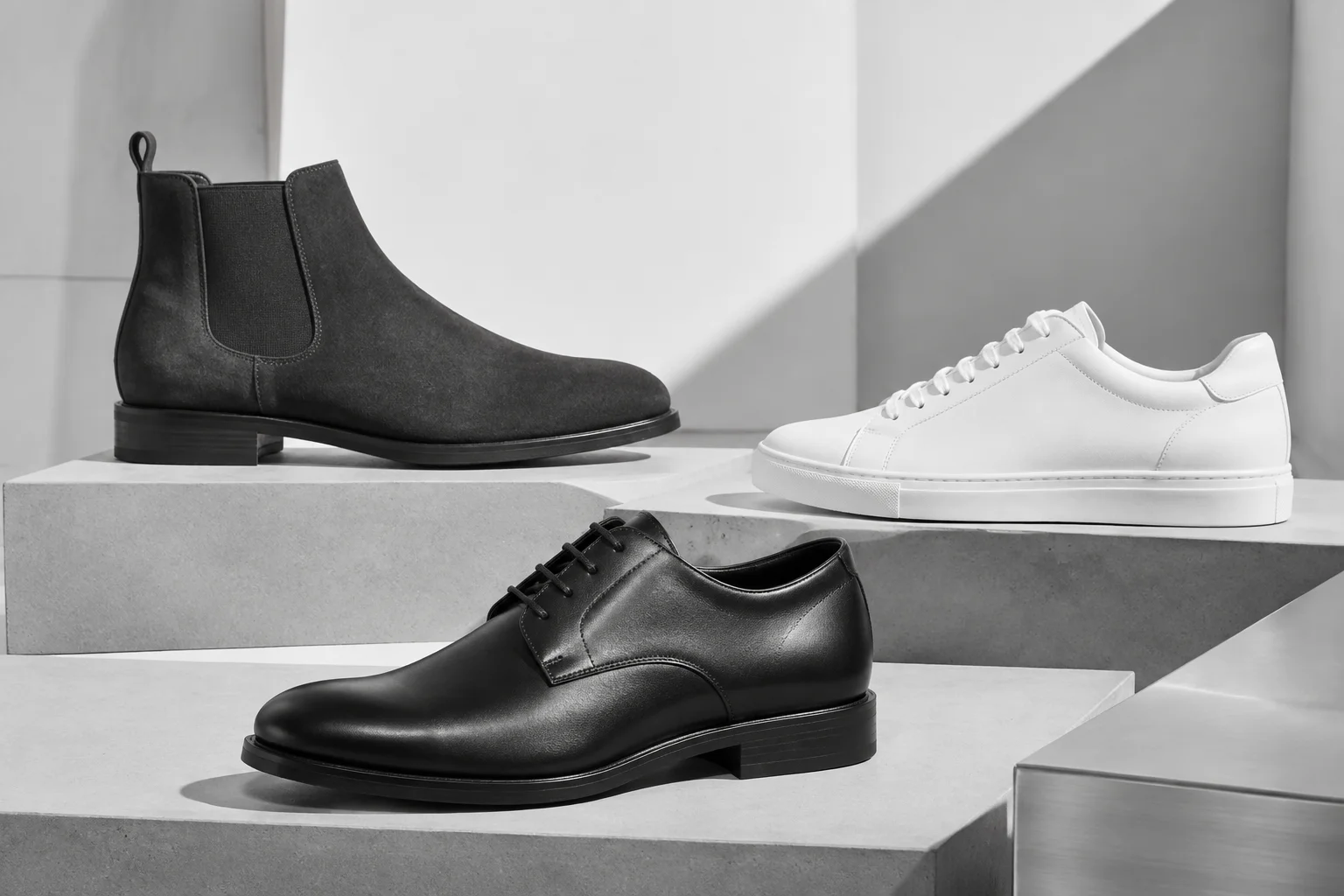
Our focus is dress shoes, dress boots, and everyday sneakers. The current beta still lists additional footwear categories; dedicated subtype guidance is not yet built.
Do I need a photo?
No. Shoe Fit Check can use your reported experience without a photo or scan.
Does this diagnose foot problems?
No. It provides educational fit guidance and can show a safety message based on reported symptoms. It does not diagnose a condition or replace professional care.
Are my shoe cases saved across devices?
Fit Check case history is currently stored in the browser on the device you use. It is not yet synced across devices and can be lost if browser data is cleared. Other account data is handled separately; see our privacy notice.